
Writing a professional business email is an important skill. It helps you communicate clearly and effectively. Here, we will guide you through the steps of writing a professional business email.
Why Writing a Professional Email is Important
Professional emails show that you are serious and respectful. They help in making a good impression. They also ensure that your message is understood.
Steps To Write A Professional Business Email
1. Use a Professional Email Address
First, make sure you have a professional email address. It should include your name and your domain, like yourname@yourdomain.com. Using a custom email address, such as those provided by Namecheap, enhances your professional image.
2. Use a Clear Subject Line
The subject line should tell the reader what the email is about. Keep it short and to the point. For example, “Meeting Request for Project Discussion” is a good subject line.
3. Start with a Greeting
Always start your email with a greeting. Use “Dear” followed by the person’s name. If you do not know the name, use “Dear Sir or Madam”.
4. Introduce Yourself
In the first paragraph, introduce yourself if the recipient does not know you. Mention your name and your position.
5. State the Purpose of Your Email
Clearly state why you are writing the email. Be specific and concise. For example, “I am writing to schedule a meeting to discuss the new project.”
6. Be Polite and Professional
Always be polite and professional in your email. Use “please” and “thank you”. Avoid using slang or informal language.
7. Use Short Sentences and Paragraphs
Keep your sentences and paragraphs short. This makes your email easy to read. Each paragraph should cover one topic.
8. Close with a Call to Action
End your email with a call to action. This tells the reader what you want them to do. For example, “Please confirm your availability for the meeting by Friday.”
9. End with a Professional Closing
Use a professional closing like “Sincerely” or “Best regards”. Follow this with your name and contact information.
10. Proofread Your Email
Always proofread your email before sending it. Check for spelling and grammar errors. Make sure your email is clear and professional.
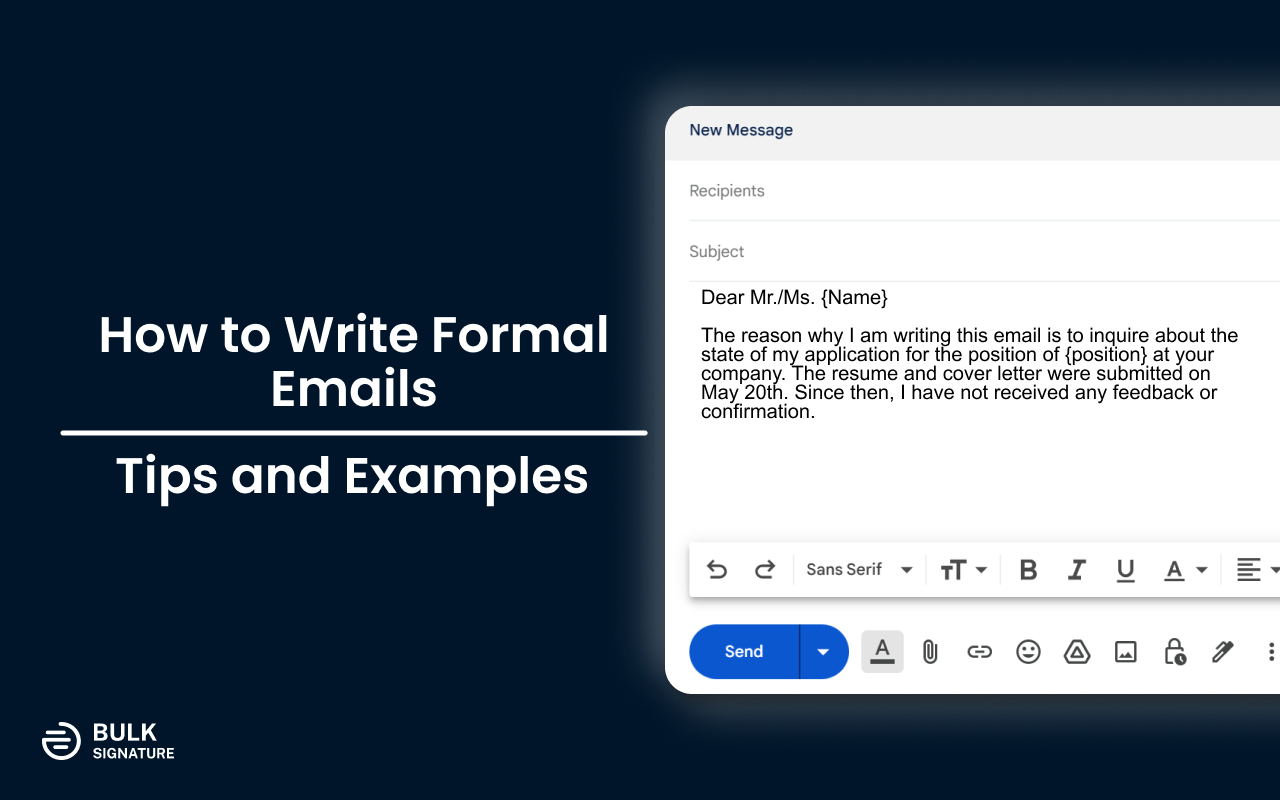
Credit: bulksignature.com
Example of a Professional Business Email
Here is an example of a professional business email:
My name is Jane Doe, and I am the Project Manager at XYZ Company.
I am writing to schedule a meeting to discuss the new project. I would like to go over the project details and our timeline.
Please let me know your availability for a meeting next week. I am available on Monday and Wednesday.
Thank you for your time. I look forward to your response.
Using Namecheap’s Private Email Service
To make your business communication even more professional, consider using Namecheap’s Private Email service. It offers secure and reliable email hosting for businesses and individuals. With Namecheap’s Private Email, you can create custom email addresses using your own domain name, such as yourname@yourdomain.com.
Key Features Of Namecheap’s Private Email
- Custom Email Addresses: Establish personalized email accounts that align with your domain, promoting brand consistency.
- Collaboration Tools: Share and synchronize emails, calendars, contacts, and tasks, facilitating seamless teamwork.
- Cross-Device Accessibility: Access your email from any device, ensuring productivity whether you’re in the office or on the move.
- Integration with Email Clients: Compatible with popular email applications like Outlook, Thunderbird, and Gmail, allowing you to manage your emails through your preferred platform.
- Enhanced Security: Benefit from robust security measures, including two-factor authentication (2FA) and advanced spam protection, to safeguard your communications.
Pricing Plans
Namecheap’s Private Email service offers several plans to accommodate different needs:
| Plan | Mailboxes | Storage | Features |
|---|---|---|---|
| Starter Plan | 1 mailbox | 5 GB | Basic features |
| Pro Plan | 3 mailboxes | 30 GB | Full mobile sync support |
| Ultimate Plan | 5 mailboxes | 75 GB | Full mobile sync support, premium email delivery |
These plans are currently available at discounted rates with the promo code MAILDEAL.
Additional Information
Namecheap also offers straightforward migration options to transfer your existing emails to Private Email. You do not need a web hosting plan with Namecheap to use Private Email; it can be purchased independently. Namecheap provides 24/7 customer support to assist with any issues or questions related to their email hosting services.

Credit: www.wikihow.com
Frequently Asked Questions
What Should Be The Subject Line Of A Business Email?
The subject line should be clear and concise. It should summarize the email content.
How To Start A Professional Business Email?
Begin with a polite greeting. Use the recipient’s name for personalization.
What Is The Ideal Length For A Business Email?
Keep it short and to the point. Aim for 2-3 short paragraphs.
How To Address A Business Email Recipient?
Use their title and last name. For example, “Dear Mr. Smith. “
Conclusion
Writing a professional business email is a valuable skill. Follow the steps above to ensure your emails are clear, concise, and professional. Consider using Namecheap’s Private Email service to enhance your professional image and ensure secure and reliable communication.
Learn more about Namecheap’s Private Email service here.